

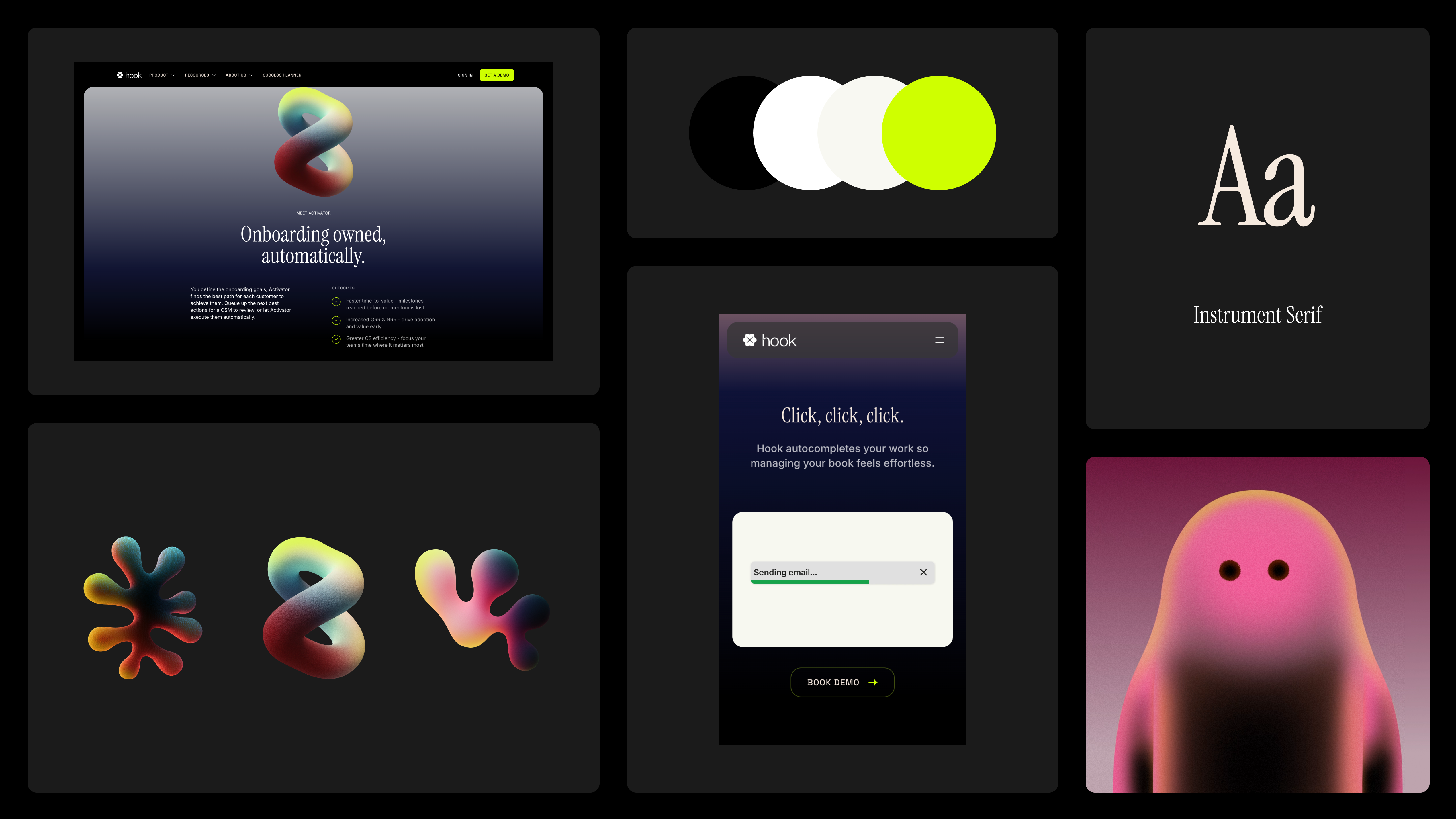







That approach suggests that perhaps we’ve been too focused on defining what something should be, when the more useful question is how it should behave.
Traditional brand guidelines tend to describe objects. A logo should never appear smaller than a certain size. Here are the approved colours. This is the typographic system. These are the components that make up the visual identity.
Those documents have always been valuable, but they were largely written for a world where outputs were relatively fixed: brochures, posters, packaging, presentations. Even websites were once designed page by page against a handful of predictable screen sizes.
Today’s digital products exist in a very different environment. Content changes. Languages expand and contract. Images arrive in unexpected aspect ratios. Accessibility settings alter typography. Interfaces need to perform across watches, phones, laptops, televisions and devices that haven’t been invented yet.
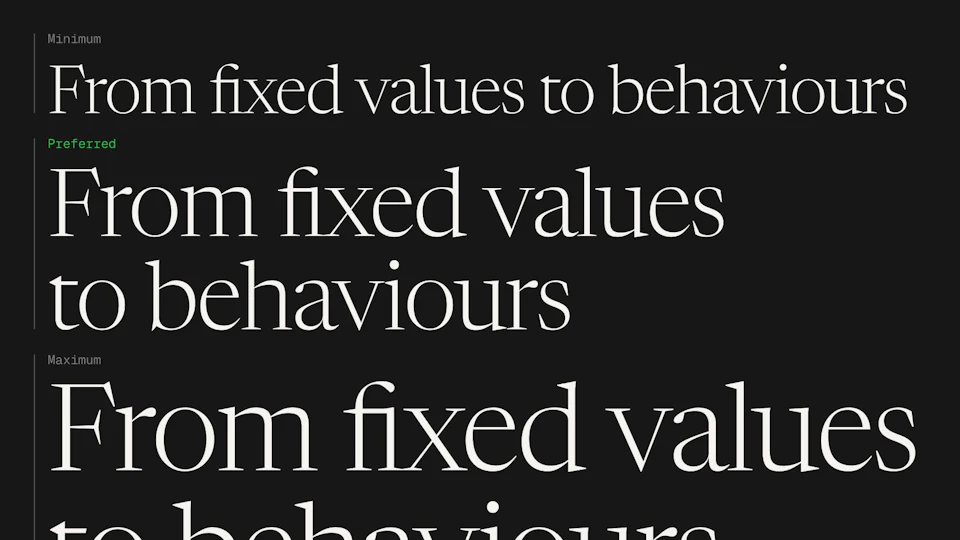
Preserving intent, rather than preserving a fixed layout might be the best approach, and is where the idea behind clamp() becomes interesting. Instead of asking, ‘what is the correct value?’ it asks ‘what are the acceptable limits?’.
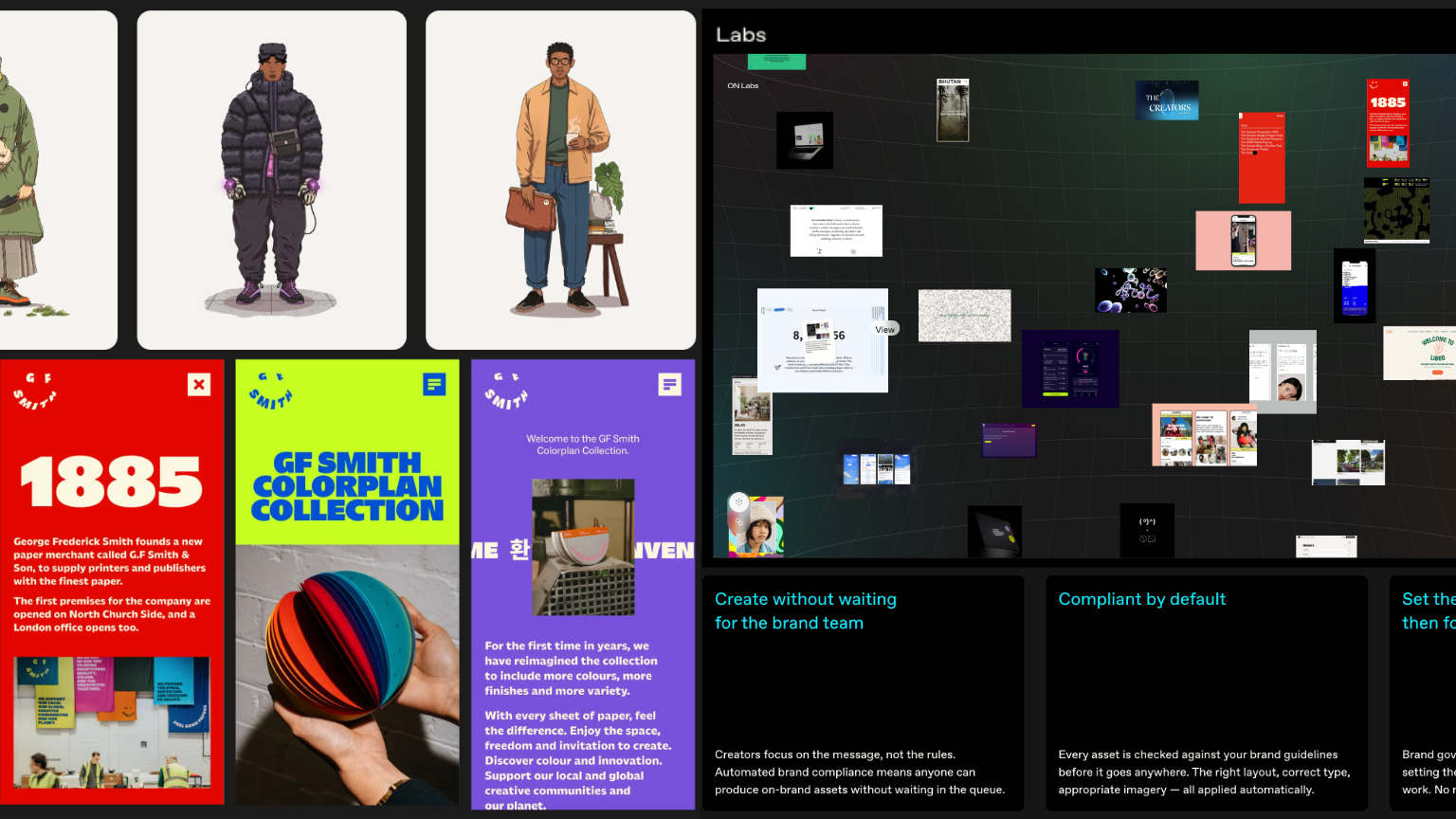
Primary Venture Partners: dynamic layout relationships defined by context and intent
The same question applies more broadly to digital brand systems. A heading isn’t really defined by being 48 pixels in size. It’s defined by being clearly more prominent than the body copy, comfortably readable, visually confident without becoming overwhelming. Likewise, the space around a component isn’t simply 32 pixels. It’s generous enough to provide clarity, but not so generous that the interface begins to feel disconnected.
Experienced designers already think this way. When reviewing a layout, they’re rarely checking whether every measurement matches a specification. They’re assessing relationships. Does the hierarchy feel right? Does the spacing create rhythm? Does the image support the message? Does the overall layout still feel like the brand?
Those judgments are contextual rather than absolute. This is an important distinction because relationships tend to survive change far better than fixed values. A headline can become slightly larger or smaller and still feel correct. An image can change from landscape to portrait while preserving the same visual balance. A layout can compress onto a smaller screen without losing its character.
The brand isn’t contained within individual measurements. It’s expressed through the relationships between them. From a software perspective, this starts to look surprisingly familiar.
Software is full of boundaries rather than absolutes. Minimum and maximum values. Validation rules. Fallback behaviour. Priority orders. Systems don’t simply encode what should happen under ideal conditions; they describe how behaviour should adapt when conditions inevitably change.
Rather than documenting perfect examples, digital brand systems should begin to capture preferred behaviour. Not simply the components, but the constraints, hierarchies and relationships that allow those components to adapt without losing coherence.
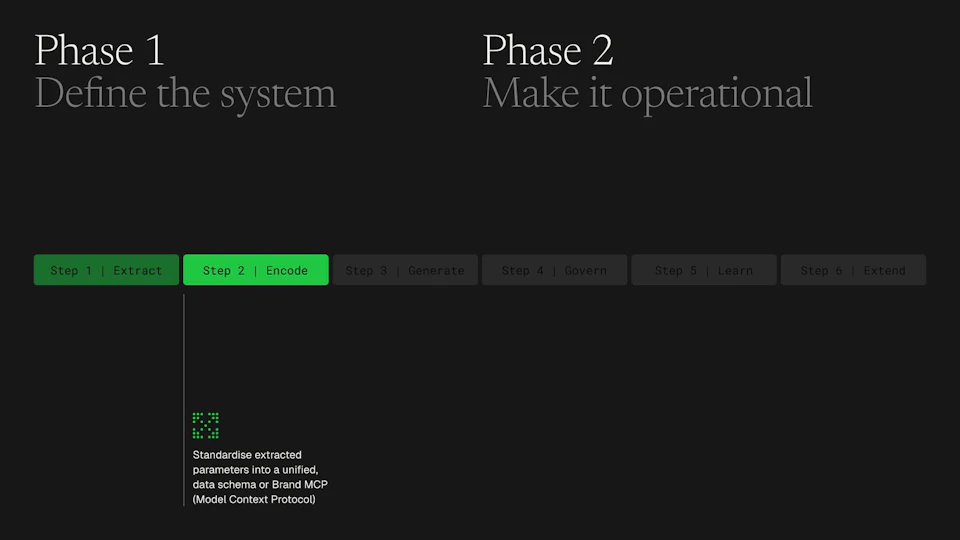
Creative judgement remains incredibly important within that process. Judgement is the ability to recognise when multiple solutions are equally valid because they all remain true to the underlying intent, but one is the right solution for the brand, in any given context. The best designers work confidently within a set of understood boundaries, and design generally comes to life within constraints.
In a previous Field Note, I argued that we’re moving from repositories of creative assets towards creative operating systems; systems that don’t simply store knowledge but actively participate in applying it.
If that’s true, then the next question becomes: what knowledge should those systems contain? Increasingly, I suspect the answer isn’t more rules but a better description of behaviour.
Perhaps that’s the more useful way to think about digital brand systems: not as instructions for reproducing a particular outcome, but as a definition of the boundaries within which the brand can adapt, without losing what makes it unique and recognisable.